WordPress Dashboard Editing

Add Custom Widgets to the WordPress Dashboard

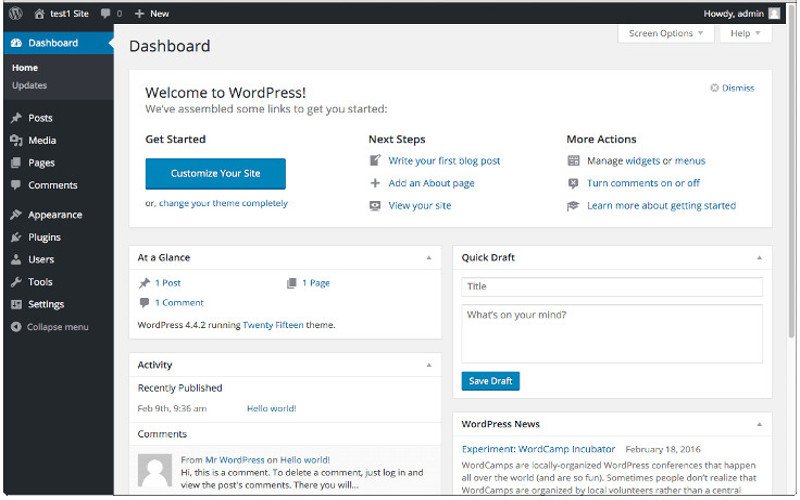
Adding widgets to your dashboard can increase the functionality of any WordPress installation. Whether you’re doing it for yourself or your clients, it can go a long way toward creating an experience that’s fully customized, spotlighting the functions you use the most. To get started simply add the following code to your WordPress child theme’s functions.php file: function add_custom_dashboard_widgets() { wp_add_dashboard_widget( ‘wpexplorer_dashboard_widget’, // Widget slug. ‘My Custom Dashboard Widget’, // Title. ‘custom_dashboard_widget_content’ // Display function. ); } add_action( ‘wp_dashboard_setup’, ‘add_custom_dashboard_widgets’ ); /** * Create the function to output the contents of your Dashboard Widget. */ function custom_dashboard_widget_content() { // Display

Continue readingAdd Custom Widgets to the WordPress Dashboard

Boost Your Website by Enabling Compression via Your Server .htaccess File in cPanel or Through FTP

Every little thing you do on your server can either make or break your site, and can also go a long way in boosting your site’s overall performance, thereby boosting your ranking in search engines such as Google and Bing. Enabling compression through your server’s .htaccess file is one such performance booster and is quite simple to do. Via FTP or your cPanel host backend, access your .htaccess file and enter the following code: # Enable Compression <IfModule mod_deflate.c> AddOutputFilterByType DEFLATE application/javascript AddOutputFilterByType DEFLATE application/rss+xml AddOutputFilterByType DEFLATE application/vnd.ms-fontobject AddOutputFilterByType DEFLATE application/x-font AddOutputFilterByType DEFLATE application/x-font-opentype AddOutputFilterByType DEFLATE application/x-font-otf AddOutputFilterByType DEFLATE application/x-font-truetype

Continue readingBoost Your Website by Enabling Compression via Your Server .htaccess File in cPanel or Through FTP

Bing and Google SEO

The Best Sitemap Plugins for WordPress-Based Websites

XML Sitemap Plugins That Will Help You Get and Stay Seen in Google and Bing Not all WordPress plugins are created equal and if you’re ready to get started with a WordPress hosted website, one of the first things you need to do (after registering your site in Google Webmaster Tools and Bing Websmaster Tools, of course) is to submit a sitemap that search engines can use to index your website. There are an assortment of WordPress plugins for everything nowadays, and the same holds true for sitemap plugins. How do you choose the right one? This can be a

Continue readingThe Best Sitemap Plugins for WordPress-Based Websites

Best website design, internet site services

Designing the Web Today: A Little Simplicity Can Go a Long Way

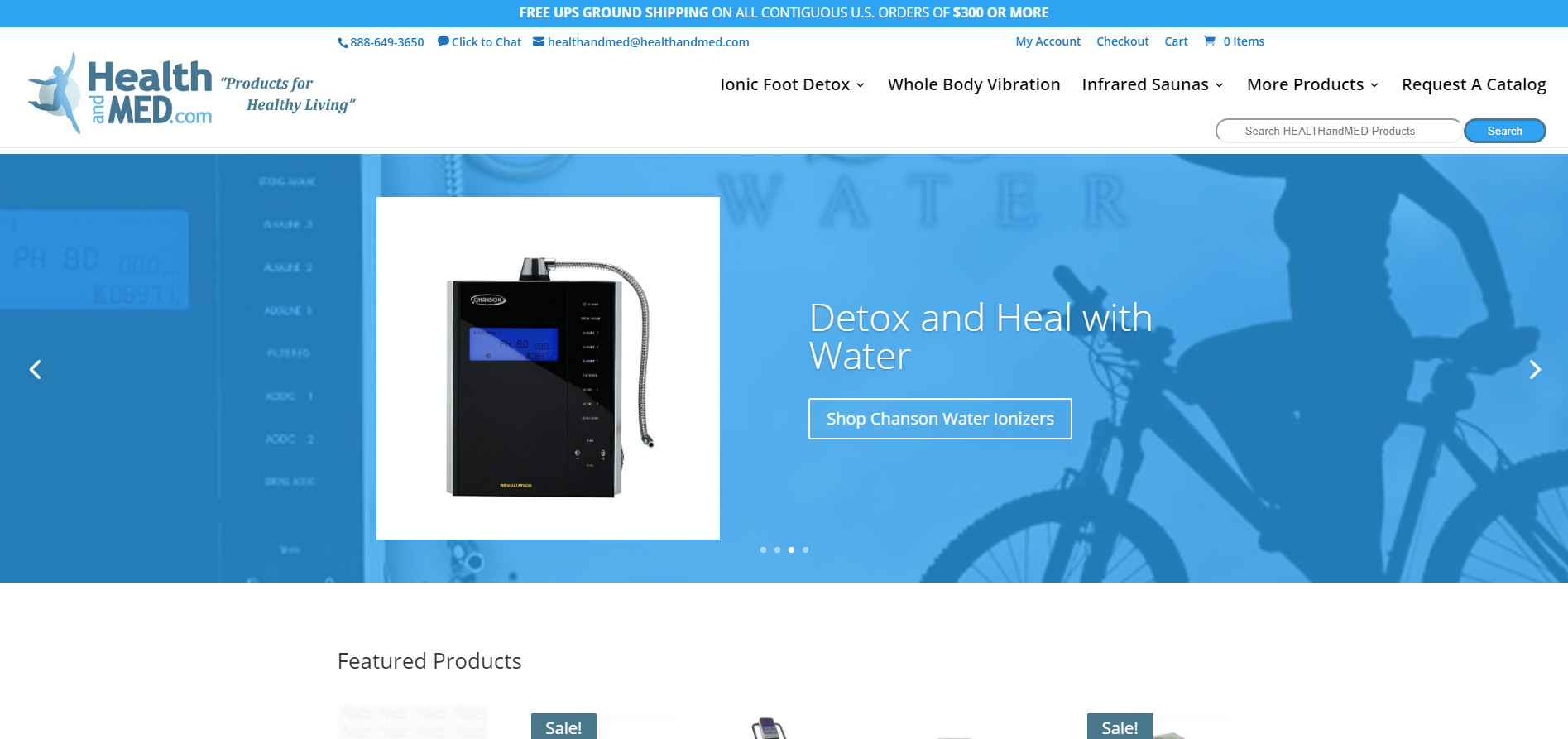
As many of you know, I have decided to pause the writing site of my career for a time to focus on the website design career. What I’ll be discussing today is how important simplicity can be in design. When it comes to web design and development, it can be tempting to opt for a flashy, colorful, and noisy website. However, one thing you quickly learn in the web design business is that a little simplicity can go a long way. Case in point, in my work for both Well Prepared and HEALTHandMED, I took the websites from a cluttered,

Continue readingDesigning the Web Today: A Little Simplicity Can Go a Long Way