
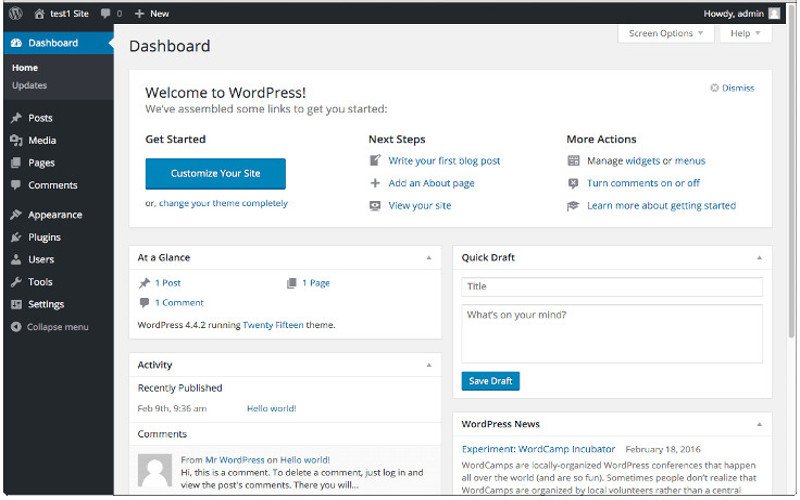
Add Custom Widgets to the WordPress Dashboard
Adding widgets to your dashboard can increase the functionality of any WordPress installation. Whether you’re doing it for yourself or your clients, it can go a long way toward creating an experience that’s fully customized, spotlighting the functions you use the most. To get started simply add the following code to your WordPress child theme’s functions.php file: function add_custom_dashboard_widgets() { wp_add_dashboard_widget( ‘wpexplorer_dashboard_widget’, // Widget slug. ‘My Custom Dashboard Widget’, // Title. ‘custom_dashboard_widget_content’ // Display function. ); } add_action( ‘wp_dashboard_setup’, ‘add_custom_dashboard_widgets’ ); /** * Create the function to output the contents of your Dashboard Widget. */ function custom_dashboard_widget_content() { // Display
Continue readingAdd Custom Widgets to the WordPress Dashboard