SEO ecommerce web design

What You Need To Know About Small Business SEO

SEO is one of the most important factors in determining whether your customers find your small business website, or a rival one – that makes it crucial to your company’s revenue stream. While SEO is multi-faceted and ever-evolving, I’ve pinpointed the crucial things that you need to know if you run a small business. What is SEO & why should my SME care about it anyway? SEO stands for Search Engine Optimization and it’s a tactic for getting your website to feature as high as possible in search results. Why is that important to your small business? Because the higher

Continue readingWhat You Need To Know About Small Business SEO

Responsive Web Design, Graphc, successful online business

Getting Your Personal Website Designed With You in Mind

Starting a personal blog or website can be tasking, particularly during the early design phase. This is a time when you’re just getting started, trying to find your niche, and just starting to place the building blocks that will hopefully turn into a successful website someday soon. Relying on do it yourself (DIY) website builder that sometimes fall short can add to some of the stress. After all, you just want to sit down and start typing that blog entry or sharing your site with others. Good websites take time, but great websites take a lot of time and effort.

Continue readingGetting Your Personal Website Designed With You in Mind

Small Business Website Design, Better than Wix

Getting Your Small Business Website Professionally Designed

Small business website design is important but difficult, and let’s face it, starting your own small business can be stressful enough (though, of course, but it can also be rewarding). One of the biggest stresses that seem to pop up, particularly in E-Commerce websites during the early design phase, is actually how to go about getting a website built in the first place, since most successful businesses today have their own websites. It’s true, there are various do it yourself (DIY) website builders that you can utilize yourself, but many fall short of providing the intuitive services that your small

Continue readingGetting Your Small Business Website Professionally Designed

Woocommerce platform

Change “Default Sorting” Dropdown Option to “Sort By Relevance” in WooCommerce

Default sorting is not exactly user-friendly for customers visiting your e-commerce store. For most customers, “Sort by Relevance” is easier to understand, and comes across as “more welcoming” to visitors, particularly those who don’t shop online often. Ideally, you want your dropdown to default to something like the screenshot shown below of one of my clients’ websites. /** * Changing “Default Sorting” to “Sort by Relevance” on Shop and Product Category pages **/ function sip_update_sorting_name( $catalog_orderby ) { $catalog_orderby = str_replace(“Default sorting”, “Sort by Relevance”, $catalog_orderby); return $catalog_orderby; } add_filter( ‘woocommerce_catalog_orderby’, ‘sip_update_sorting_name’ ); add_filter( ‘woocommerce_default_catalog_orderby_options’, ‘sip_update_sorting_name’ ); If you prefer,

Continue readingChange “Default Sorting” Dropdown Option to “Sort By Relevance” in WooCommerce

Minimum price WooCommerce

Show “Starting At” Price and Hide Maximum Price in WooCommerce

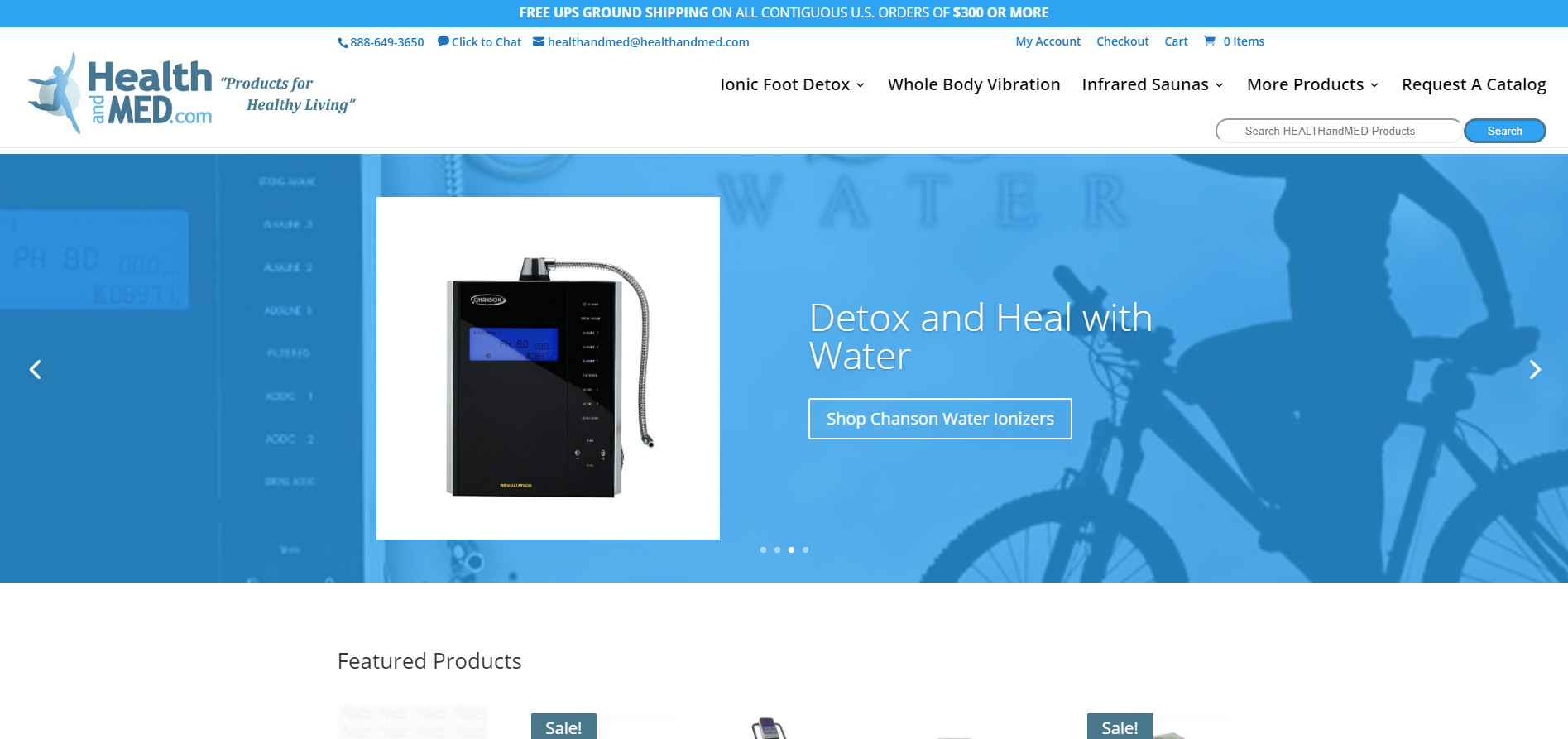
This is a relatively simple code, but it does require modifying the functions.php file in your child theme, which is not recommended unless you are familiar with how to edit a functions.php file in WordPress. This code will allow you to display the minimum price with a “Starting at” prior to it rather than a price range (which, let’s admit, can be a turn-off to some price-conscious customers). You can see a demonstration of how this works in the screenshot above. This is a screenshot of it in action on my client HEALTHandMED‘s website. Note, you can change “Starting at”

Continue readingShow “Starting At” Price and Hide Maximum Price in WooCommerce

WordPress Dashboard Editing

Add Custom Widgets to the WordPress Dashboard

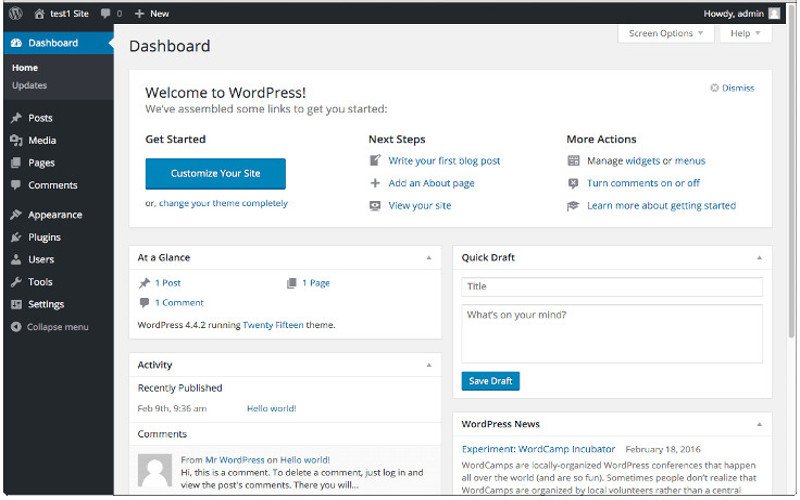
Adding widgets to your dashboard can increase the functionality of any WordPress installation. Whether you’re doing it for yourself or your clients, it can go a long way toward creating an experience that’s fully customized, spotlighting the functions you use the most. To get started simply add the following code to your WordPress child theme’s functions.php file: function add_custom_dashboard_widgets() { wp_add_dashboard_widget( ‘wpexplorer_dashboard_widget’, // Widget slug. ‘My Custom Dashboard Widget’, // Title. ‘custom_dashboard_widget_content’ // Display function. ); } add_action( ‘wp_dashboard_setup’, ‘add_custom_dashboard_widgets’ ); /** * Create the function to output the contents of your Dashboard Widget. */ function custom_dashboard_widget_content() { // Display

Continue readingAdd Custom Widgets to the WordPress Dashboard

Bing and Google SEO

The Best Sitemap Plugins for WordPress-Based Websites

XML Sitemap Plugins That Will Help You Get and Stay Seen in Google and Bing Not all WordPress plugins are created equal and if you’re ready to get started with a WordPress hosted website, one of the first things you need to do (after registering your site in Google Webmaster Tools and Bing Websmaster Tools, of course) is to submit a sitemap that search engines can use to index your website. There are an assortment of WordPress plugins for everything nowadays, and the same holds true for sitemap plugins. How do you choose the right one? This can be a

Continue readingThe Best Sitemap Plugins for WordPress-Based Websites

Best website design, internet site services

Designing the Web Today: A Little Simplicity Can Go a Long Way

As many of you know, I have decided to pause the writing site of my career for a time to focus on the website design career. What I’ll be discussing today is how important simplicity can be in design. When it comes to web design and development, it can be tempting to opt for a flashy, colorful, and noisy website. However, one thing you quickly learn in the web design business is that a little simplicity can go a long way. Case in point, in my work for both Well Prepared and HEALTHandMED, I took the websites from a cluttered,

Continue readingDesigning the Web Today: A Little Simplicity Can Go a Long Way